Steps
- Sign in at app.thestorygraph.com (a browser is the surest route).
- Open Manage Account from the menu in the top-right corner.
- Follow the link to the User Export page and start the export.
- Download the CSV when it’s ready.
Source: StoryGraph staff on their roadmap (“export your data on the User Export page, which can be accessed from the Manage Account one”). The page sits behind a login, so button labels may differ slightly.
What comes with it
StoryGraph exports we’ve seen include Title, Authors, Contributors, ISBN/UID, Format, Read Status (read, currently-reading, to-read, did-not-finish, paused), Dates Read (one range per read, so rereads keep their dates), Read Count, Moods, Pace, Star Rating in quarter stars, Review, Tags and Owned. We haven’t seen a page-count column.
Bring it into Bookwisp
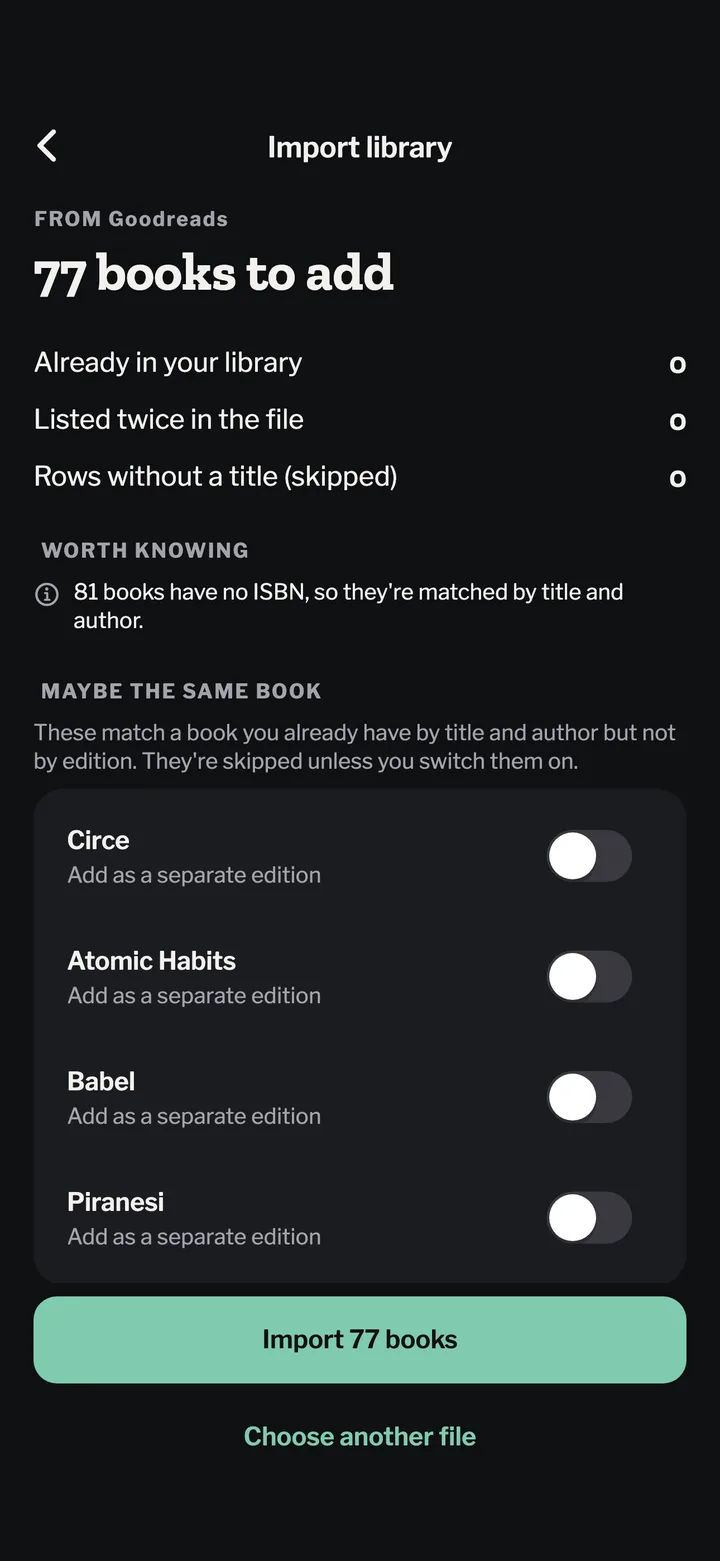
In Bookwisp, open Settings → Import library and pick the CSV. Every read range becomes its own read, quarter-star ratings are kept, tags become shelves, and “did not finish” and “paused” stay as they are. You see the whole list before anything is saved. Coming from Goodreads too? Export that library and import both; books you already have aren’t doubled.