Step by step (computer)
- Sign in at goodreads.com and open My Books.
- In the left column, under Tools, click Import and export.
- Under Export, click Export Library. Goodreads says large libraries may take a few minutes.
- When the link Your export from [date] - [time] appears, click it. Your browser downloads a
.csvfile.
Source: Goodreads Help, Import or export your books.
On a phone
Goodreads labels the library export desktop only, and the Goodreads app has no export button. What works: open goodreads.com in Safari or Chrome on your phone, choose Request Desktop Website (Safari: the page menu in the address bar; Chrome: the ⋮ menu), sign in, and follow the steps above. The file lands in your Downloads (Files app on iPhone).
Goodreads doesn’t document this workaround itself, so if the page refuses to load, a computer is the reliable route.
What’s in the file
One row per book on any of your shelves, with 24 columns: title, author, ISBNs, your rating, the book’s average rating, publisher, binding, page count, publication years, date read, date added, shelves, your review, private notes, read count and owned copies. Every column, explained.
What it leaves out
- Start dates and the dates of earlier reads — only the most recent finish date is kept.
- Reading progress updates, likes and comments.
- Book covers.
If you want everything Goodreads holds about your account, there is a separate request: Account settings → Account & notifications → Download my Goodreads data (in the app: More → Settings → Account Settings → Privacy). You confirm by email within 5 days and get a .zip of JSON files; the download link lasts 90 days (Goodreads Help). Reading apps import the CSV, not this archive.
What to do with the CSV
- See your stats: drop it into Goodreads stats for books per year, pages read and your most-read authors. It runs in your browser; nothing is uploaded.
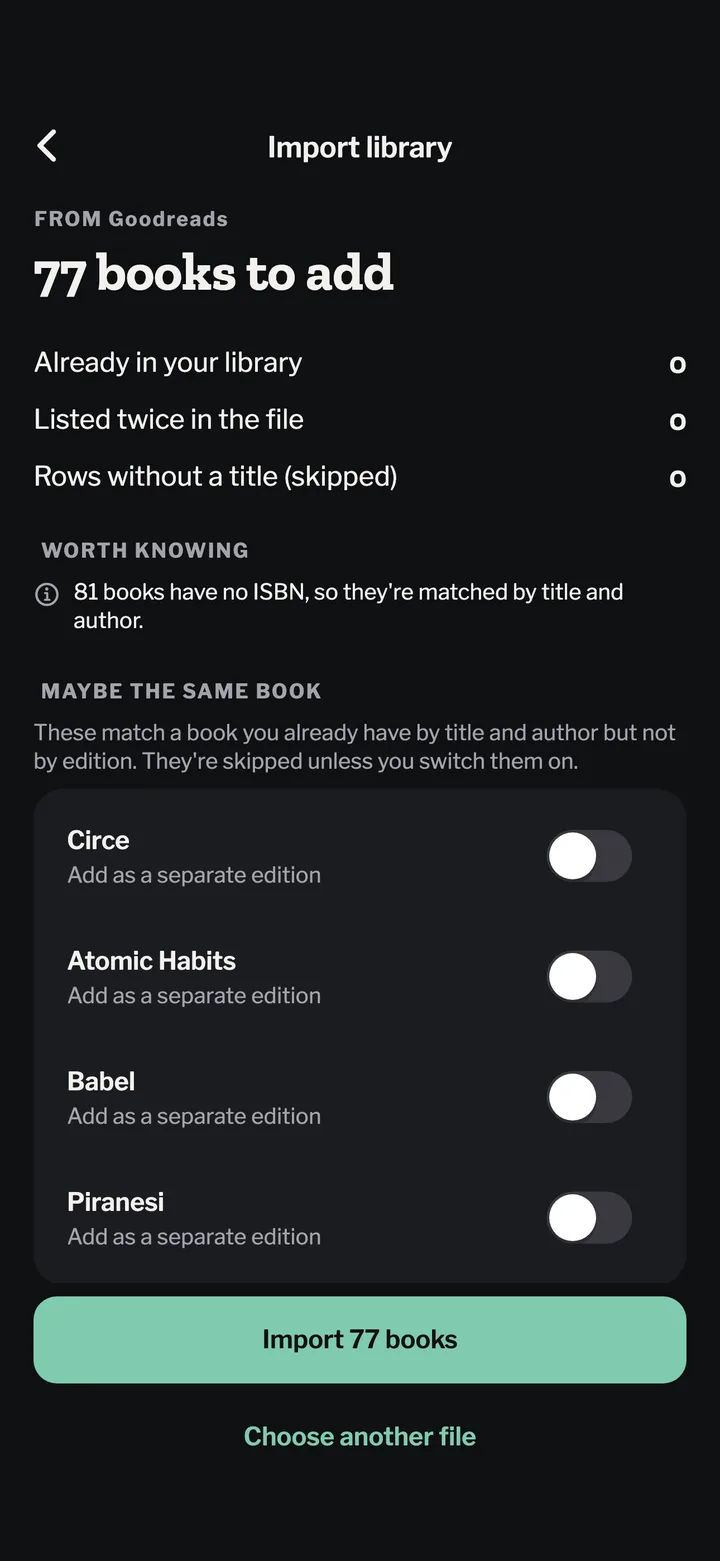
- Move to Bookwisp: in the app, open Settings → Import library and pick the file. You see every book before anything is saved; ratings, dates, rereads, shelves and reviews come with it. Free.
- Keep it as a backup. It opens in Excel, Numbers or Google Sheets.